
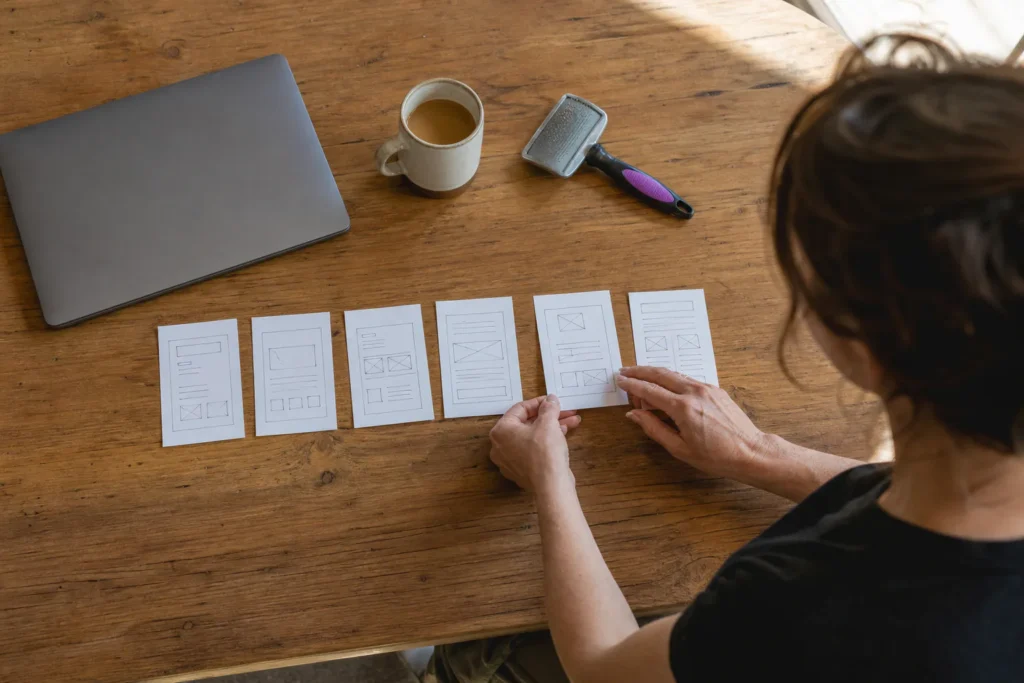
A small business website should include four core pages: homepage, services or products, about and contact. It also needs real reviews, one clear call to action, mobile-friendly design and a privacy policy if your forms collect personal details.
That’s the short answer to what a small business website should include. Below you’ll find a page count by business type, a homepage layout section by section, and a pre-launch test you can run yourself before you brief a designer or open a website builder.
The Pages Every Small Business Website Should Have
Every small business website needs these pages before anything else:
- Homepage: what you do, where you do it and how to reach you.
- Services or products: what you sell and who it’s for.
- About: who’s behind the business.
- Contact: your number, a short form, hours and service area.
Everything else is optional until these four work.
Homepage
Your homepage is the front door. Most visitors land here from Google or your Google Business Listing, so it has to answer three questions fast: what, where and how to reach you.
Services or products page
List each service or product in plain words, with who it’s for and what happens next. A dog groomer might list full grooms, bath-only visits and nail trims, each with a one-line description and a “Book Now” button. Selling online? This becomes your e-commerce catalog.
About page
People want to know who’s coming to their house or handling their money. Add your name, a real photo, how long you’ve been in business and why you started. Two short paragraphs beat a page of mission statements.
Contact page
Make reaching you easy: a number people can call with one tap, a short form, your hours and the areas you serve. We cover the details below.
How Many Pages Does Your Business Need? A Rule by Business Type
Most small businesses need 5 to 10 pages to start. The right number depends on how many separate services you offer and whether customers come to you or you go to them.
Plumber, electrician and other home service trades
Trades do best with one page per main service: drain cleaning, water heaters, repiping and so on. Each page matches a specific search. A plumber with five core services ends up with about 9 pages: homepage, five service pages, about, contact and a page of customer feedback.
Restaurant, salon and other storefronts
Storefronts need fewer pages, often 5 or 6: homepage, menu or service list with prices, about, a photos page and contact with hours and a map. Keep the menu as a web page, not a PDF, so it loads well on smartphones and search engines can read it.
Consultant, coach or professional practice
A professional practice can start with 5 pages: homepage, services (one page, or one per package), about, a results page and contact with a booking link. Here the about page carries most of the trust, so give it a real photo and your credentials.
When to add pages and when to stop
Add a page when customers keep asking the same question, or when you start a service that deserves its own search. Stop when a new page would only repeat one you already have.
What to Put on Your Homepage, Section by Section
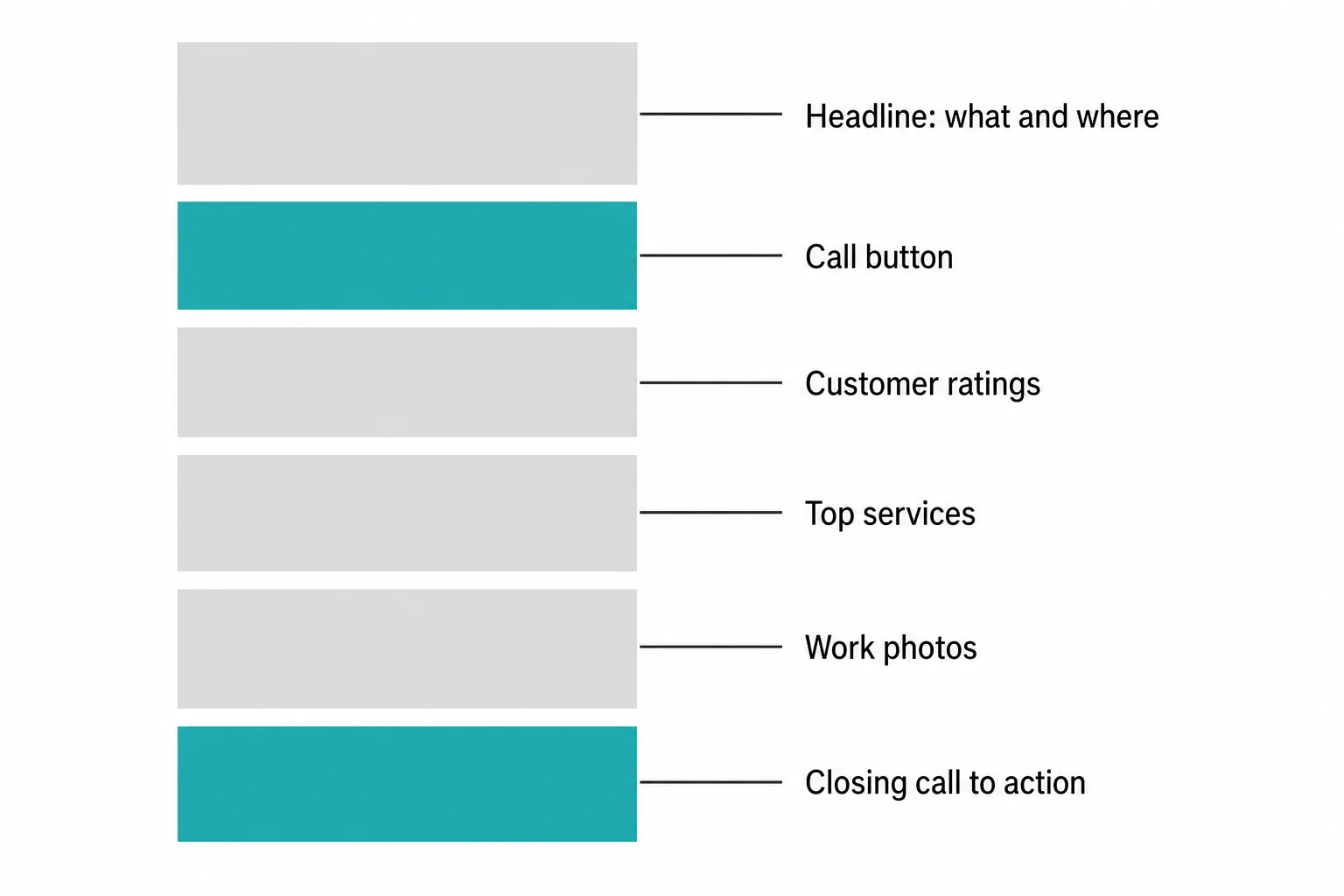
What should a small business website include on the homepage? It works top to bottom like a short conversation: who you are, what to do next, why to trust you and one last reminder.
The headline that says what you do and where
Write a headline that names your service and your area, like “Licensed Electrician Serving North County San Diego.” Skip slogans. A visitor should know in a few seconds if they’re in the right place.
The first call to action above the fold
Above the fold (what shows before anyone scrolls), put one clear call to action, such as a tap-to-call button or a “Get a Free Quote” button. Pick one main action. When everything is a button, nothing is.
Proof, services preview and a closing nudge
Below that, add three or four short customer quotes or your star rating, a preview of your top services linked to their pages, a few work photos and a closing call to action with your number. In the footer, add your address, hours and privacy policy.
Contact Page Details That Turn Visitors Into Calls
When you ask what a small business website should include on its contact page, the answer is every way to reach you, plus enough detail that people know you serve them. Nearly everyone who opens this page is ready to get in touch, so remove every step you can.
Phone, form and email: what to show and where
Put your phone number first, as a tap-to-dial number for mobile visitors. Then add a short form: name, email or number, and a message. Three to five fields is plenty. Show your email last, and repeat the number in the header of your service pages.
Hours, address, map and service area
List your hours, your address if customers visit, and an embedded map. If you go to customers, name your service area by city or neighborhood: “Chula Vista, National City, Bonita and Eastlake.” That tells visitors and Google exactly where you work.
Linking your Google Business Profile
Link to your Google Business Profile so people can read your reviews and get directions. Your business name, address and phone should match exactly in both places. If your listing isn’t set up yet, our Google Business Listing expert service covers setup and optimization.
Trust Signals: Reviews, Ratings and Credentials
What should a small business website include to build trust? Proof. Customers believe it more than promises, and real ratings, real photos and real credentials do more than anything you write about yourself.
How to collect real reviews from past customers
Ask right after a job goes well. Text a direct link to rate you on Google, and keep the ask to one sentence. Then copy your best reviews onto your site with the customer’s first name and neighborhood. Never write them yourself or buy them.
Where to place proof on each page
Put two or three short testimonials on the homepage. Add one matching quote to each service page, so a water heater comment sits on the water heater page. Place your star rating near the contact form, where people decide whether to reach out.
Photos, licenses and guarantees that back up your claims
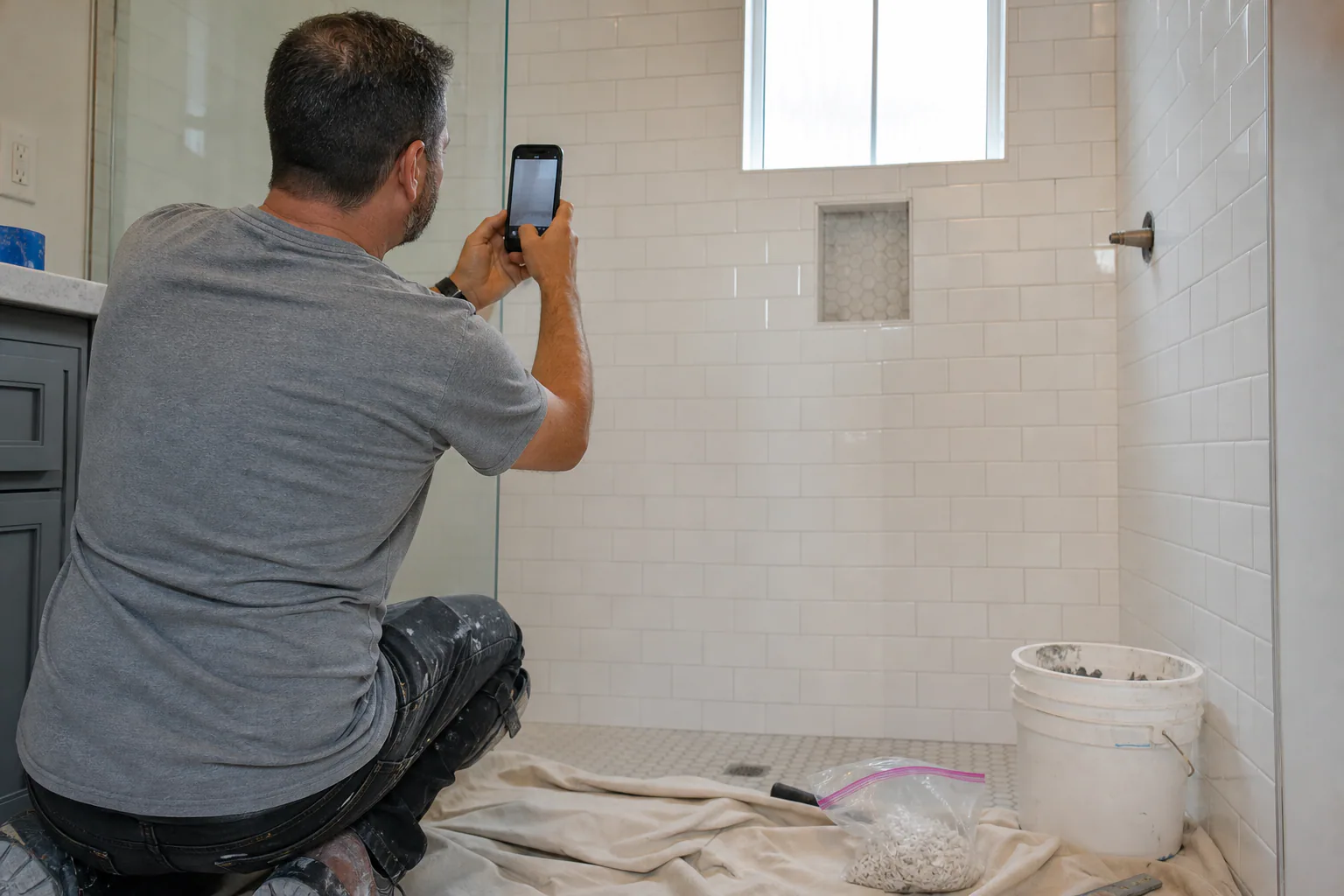
Swap stock images for your own pictures: your team, your truck, before-and-after shots of real jobs. Show license numbers, insurance and memberships. Only list a guarantee you actually honor, and spell out what it covers. Specific proof like this helps build trust faster than any adjective.
Behind-the-Scenes Basics: Mobile, Speed, HTTPS, Analytics and Legal Pages
What should a small business website include beyond what shows on the page? These parts you won’t see, but they decide whether the site loads, gets found and stays on the right side of the rules.
Mobile-friendly design and page speed
Many local customers find you on a phone. Mobile-friendly design means readable text, tappable buttons and nothing sliding off the screen. Compress large images so pages load quickly. Good web design checks this on real devices.
HTTPS and basic security
Your site should load over HTTPS (the padlock in the browser bar). Without it, browsers can flag the site as “Not secure,” which kills trust on any page with forms. Many hosting plans include the certificate, and you should keep software and plugins updated.
Analytics and local SEO details
Install Google Analytics or a similar free tool. For SEO for small business basics, put your city in page titles, write a unique meta description for each page and add schema markup. Any solid website design should include it.
Which legal pages you need, and when
It depends on what your site does. Contact forms, signups and analytics collect personal data, so add a privacy policy that says what you collect and why. If you sell online, add terms of service. Rules vary, so ask an attorney if you handle a lot of data.
What to Leave Off Your Website for Now
Plenty of features sound good but cost time and money without bringing in customers. Leave them off at launch and add them when there’s a clear reason.
When you do not need a blog
Skip it if nobody will create content for it. A blog with three old posts looks abandoned. Local San Diego Painting makes the top 3 in Google listings with 2 blog posts per month for over a year.
When you do not need an online store
If customers buy from you in person or after a quote, you don’t need e-commerce. A store means you create and maintain product photos, inventory, shipping, returns and payment security. A “Request a Quote” form works better for most service businesses.
Features that add upkeep without adding customers
Leave out auto-playing video, chat widgets nobody answers, pop-ups on page load, image sliders and social feeds that haven’t updated in months. Each one slows the page or needs upkeep, and none of them makes your phone ring. Create fewer things and keep them current.
Your Pre-Launch Checklist, With One Page Tested From Start to Finish
Before you launch, test the site the way a customer would use it. A broken form or a dead number link can cost you customers for weeks before anyone notices.
Test every form, link and button
Check that all links in the menu, footer and body go somewhere real. Submit every form and confirm the message lands in the right inbox, including the spam folder. Tap every button and make sure each call to action does what it says.
Check the site on a phone and in two browsers
Open the site on your own smartphone and a friend’s, then in two browsers on a computer, such as Chrome and Safari. Look for text that’s too small, buttons that overlap and pages that load slowly on mobile data.
Worked example: testing a contact page before launch
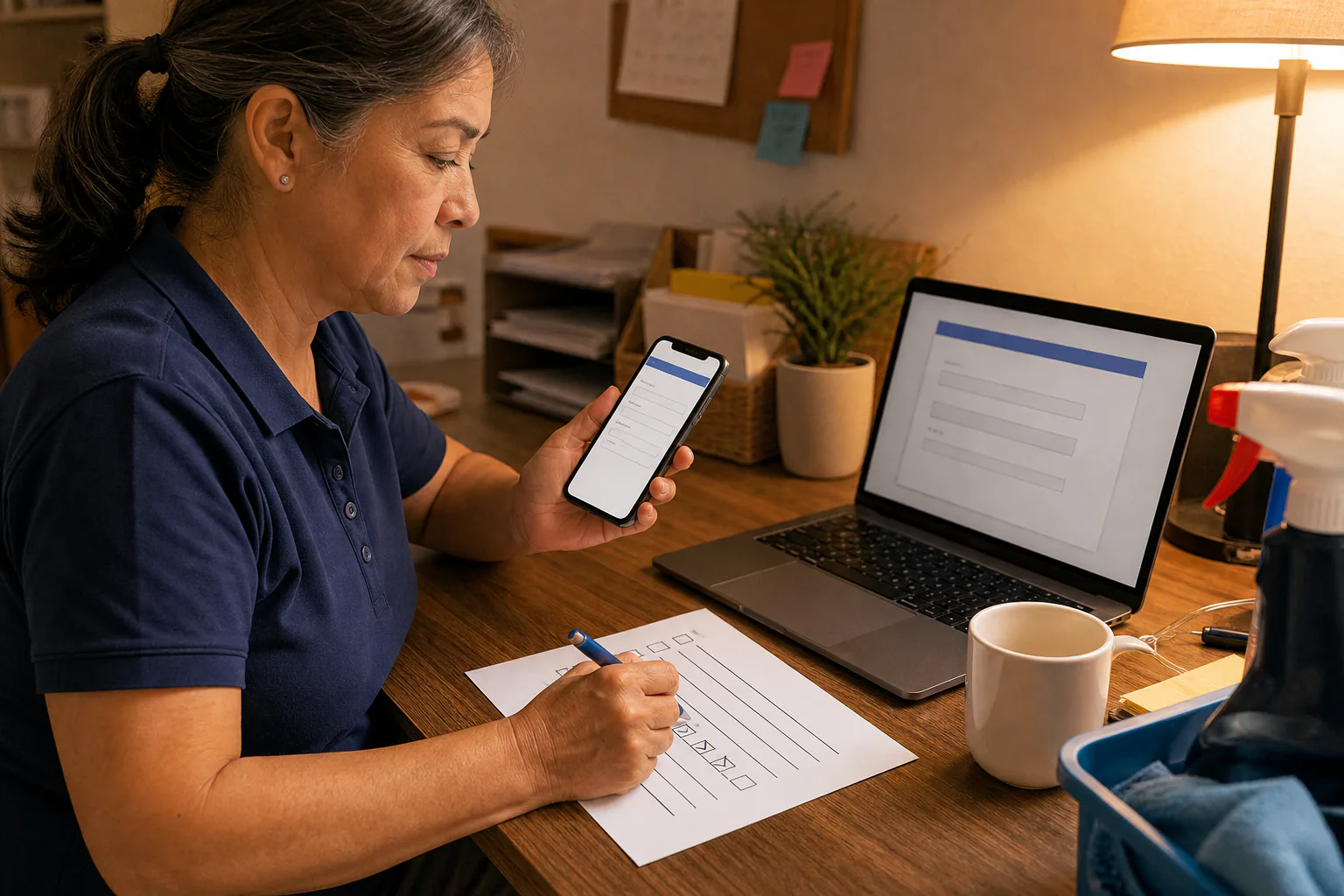
Here’s how a house cleaner might test her contact page in about 15 minutes:
- Open the page on a phone and tap the number. The dialer should open with the right digits.
- Fill in the form with a test name and submit it. A thank-you message should appear, and the email should arrive within a few minutes.
- Submit it again with the email field blank. The form should flag the error. It shouldn’t fail quietly.
- Tap the map and the Google Business Profile link. Both should open the right location.
- Compare the hours and service area with your Google listing, and fix any mismatch you find.
- Repeat steps 1 to 3 in a second browser on a computer.
If any step fails, fix it and run the whole test again.
Getting It Built: Where Websites San Diego Can Help
If you’d rather not build and test all this yourself, that’s our job. We’ve spent 30 years helping businesses succeed online, and we explain everything in plain language, so you always know what you’re getting.
Website development, SEO and blog content plans
Our Website Development plan covers website hosting and maintenance for small business, and we’ll help you choose between a website builder and a custom site. Our SEO Marketing plan covers local content and location pages.
What to bring to a first conversation
Bring your list of services, the cities you serve, your hours, five or so real customer quotes, photos of your work and examples of web design you like. Not sure what you need yet? Our Digital Marketing Consulting starts with business analysis and strategy development.
Frequently Asked Questions
What is the most important page on a small business website?
What is the most important page on a small business website?
Your homepage, because most visitors see it first. Your contact page comes a close second, because that’s where visitors actually reach out. If the homepage doesn’t say what you do and where within a few seconds, people leave before they ever see your services.
How much does a small business website cost?
How much does a small business website cost?
It depends on how many pages you need, whether you sell online, who writes the content and whether hosting and upkeep are included. Some providers charge a one-time project fee, others charge monthly. Our Website Development plan starts at $99.00 a month, including domain, hosting and maintenance. Always ask for an itemized quote.
Do I need a blog on my small business website?
Do I need a blog on my small business website?
Not at launch. Regular posts that answer your customers’ questions give search engines more pages to show, but only if you keep publishing. If you can’t keep it up, put that effort into strong service pages and customer ratings first, then add articles later.
Can I build the site myself with a website builder?
Can I build the site myself with a website builder?
Yes. Builders work for simple sites if you have the time to write, design and test everything yourself. The tradeoff is your hours, plus the SEO setup and upkeep that builders leave to you. If your time is better spent with customers, hiring it out may be the better trade.
How long before my site shows up on Google?
How long before my site shows up on Google?
Google can find a new site within days or weeks, but showing up for competitive local searches usually takes months. Your competition, your content and your ratings all affect the timeline. A complete Google Business Profile can help you appear in Maps sooner, though nobody can honestly guarantee when.